Porting an example from raylib-jolt-demo
jlt-commons/raylib-jolt-demo (originally raylib-jlt's examples) has 187 examples, and 139 of them are in the gallery. Those count examples and not scenes, because the easings scene covers three of them and the three Android scenes stand in for flappy_bird, eyes and mouse_trail. The ones that need no input at all port almost mechanically. This is what "almost" means, worked through with the first seven.
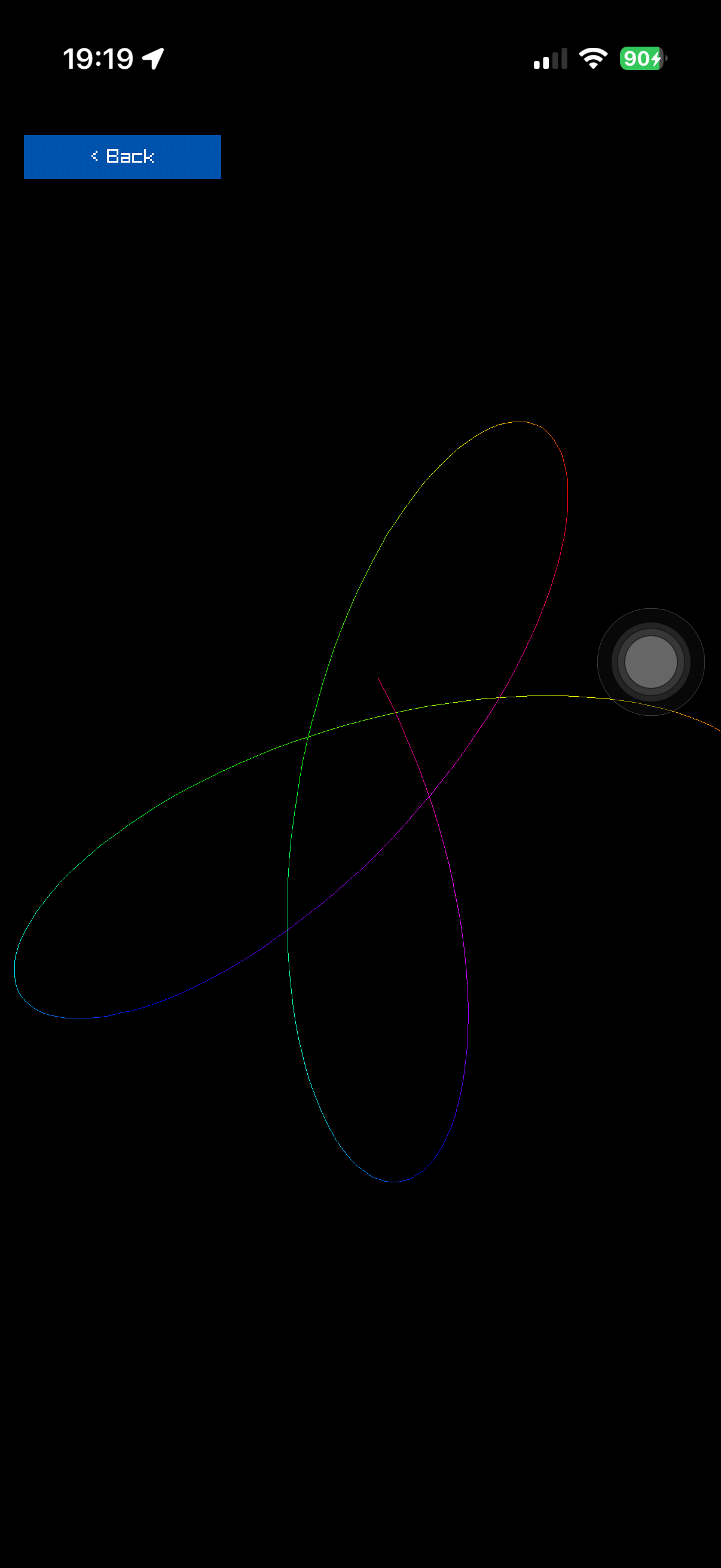
spirograph, the first port. Same maths as the original, a screen 1206x2622 instead of 800x450, and a loop it no longer owns.
They are desktop-shaped in two ways
A raylib-jlt example owns its loop:
(defn -main [& _]
  (rl/window! :width 800 :height 450 :title "spirograph")
  (rl/set-target-fps 60)
  (loop [frame 0 st (new-params)]
    (when (rl/keep-running? deadline)
      ...
      (rl/begin-drawing) ... (rl/end-drawing)
      (recur (inc frame) st))))
  (rl/close-window))
and, in the ones that take input, reads the keyboard inline from inside its model:
(defn- step [s]
  (let [dx (cond (rl/key-pressed? rl/KEY-LEFT) -1 ...)]
    ...))
Neither survives on a phone. The host owns the loop here, and there is no keyboard. The six namespaces this project carries from the Android experiment came across identical apart from names and whitespace precisely because they were written the other way round, pure and touch-first, with input arriving as a data snapshot.
The four changes
1. Become a reducer over frames. The scene contract in net.b12n.raylib-ios.gallery.core is {:id :title :init :update :draw :dispose}, where update takes state and an input snapshot and returns the next state. So the body of the original's loop becomes advance, and -main disappears.
2. Derive geometry from the live screen. The originals draw at a fixed 800x450 with constants to match: a ring at radius 170 about (400, 225). A phone is 1206x2622. Give the namespace a dimensions function taking the metrics, the way net.b12n.raylib-ios.scenes.flappy-bird does, and scale everything off the smaller dimension so a tall phone and a wide desktop both get something that fits.
3. Replace GetRandomValue with a seeded LCG. Not for purity as an aesthetic, but because it makes the scene runnable and testable on a build host with no raylib, no SDL and no device, and reproducible from a seed. The constants are net.b12n.raylib-ios.scenes.flappy-bird's, so a seed means the same thing everywhere:
(defn- next-random [seed]
  (mod (+ (* 1103515245 (long seed)) 12345) 2147483648))
4. Leave drawing to the host. The pure namespace computes; a draw-scene! method in the scene's own ...scenes.<name>.draw namespace draws. Colours come back as [r g b a] and the host packs them, so no raylib type reaches the scene.
What it costs in bindings
Almost nothing, which was the surprise. Across seven ports:
| example | new bindings needed |
|---|---|
| spirograph | none |
| kaleidoscope | none |
| fireworks | none |
| boids | none |
| penrose | four: rlBegin, rlEnd, rlVertex2f, rlColor4ub |
| double-pendulum | none |
| fourier-epicycles | none |
DrawLine, DrawCircle, DrawText, DrawRectangle and MeasureText cover most of the collection. Of eight further candidates surveyed, seven need nothing new at all; only analog_clock does, wanting DrawLineEx, DrawRing and a local-time call. Penrose needed rlgl immediate mode only because it fills polygons and raylib's shapes API has no call for that.
A pure scene can't call MeasureText, so it takes a measure function. Every scene's input carries one as :measure, which is raylib's own text width. A scene that keeps text widths in its state, as strings does, reads it in init and update, with a fallback so tests can run without the FFI. A scene that lays text out only in dimensions, as rectbounds does, still gets measure from its draw method.
An example that sets a Camera2D draws inside net.b12n.raylib-ios.host/with-camera-2d, which pushes rlTranslatef, rlRotatef and rlScalef on top of the gallery's own translate, because BeginMode2D would load the identity matrix and drop it. The pure part is net.b12n.raylib-ios.camera2d, which also holds the pinch rule shared by the three scenes that zoom. An example that reads gestures finds raylib's own code in the scene input as :raylib-gesture. On the phone that code fires for one finger only, so pinch cannot appear.
An example that draws in 3D is projected in software, since no 3D mode is bound. net.b12n.raylib-ios.soft3d holds the camera, the transforms and the builders (cube, cube-wires, grid, lines, sphere, plane). field lays out the caption and the 3D view under Back, fit-camera widens the original's fovy so a portrait field still shows the original's width, finish sorts the draw list, and net.b12n.raylib-ios.host/draw-3d! emits it. A scene that draws many small boxes may bypass finish with its own paint order, as wavecubes and pointcloud do, if the order is provably right for that scene. A scene that steers with a relative thumb-stick tracks it with net.b12n.raylib-ios.stick, which follows one touch id and never adopts a finger that was already down. The next guide page covers the drawing itself.
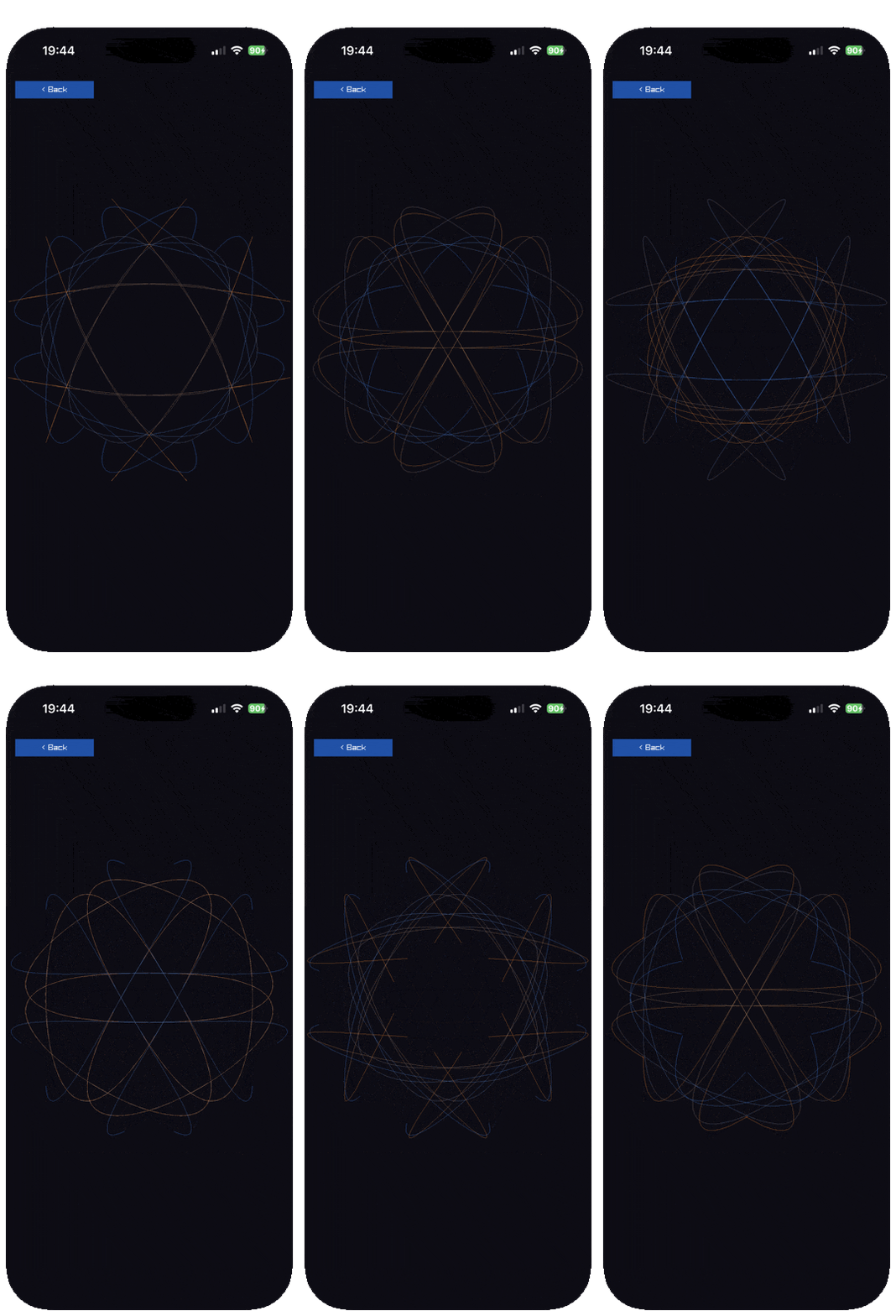
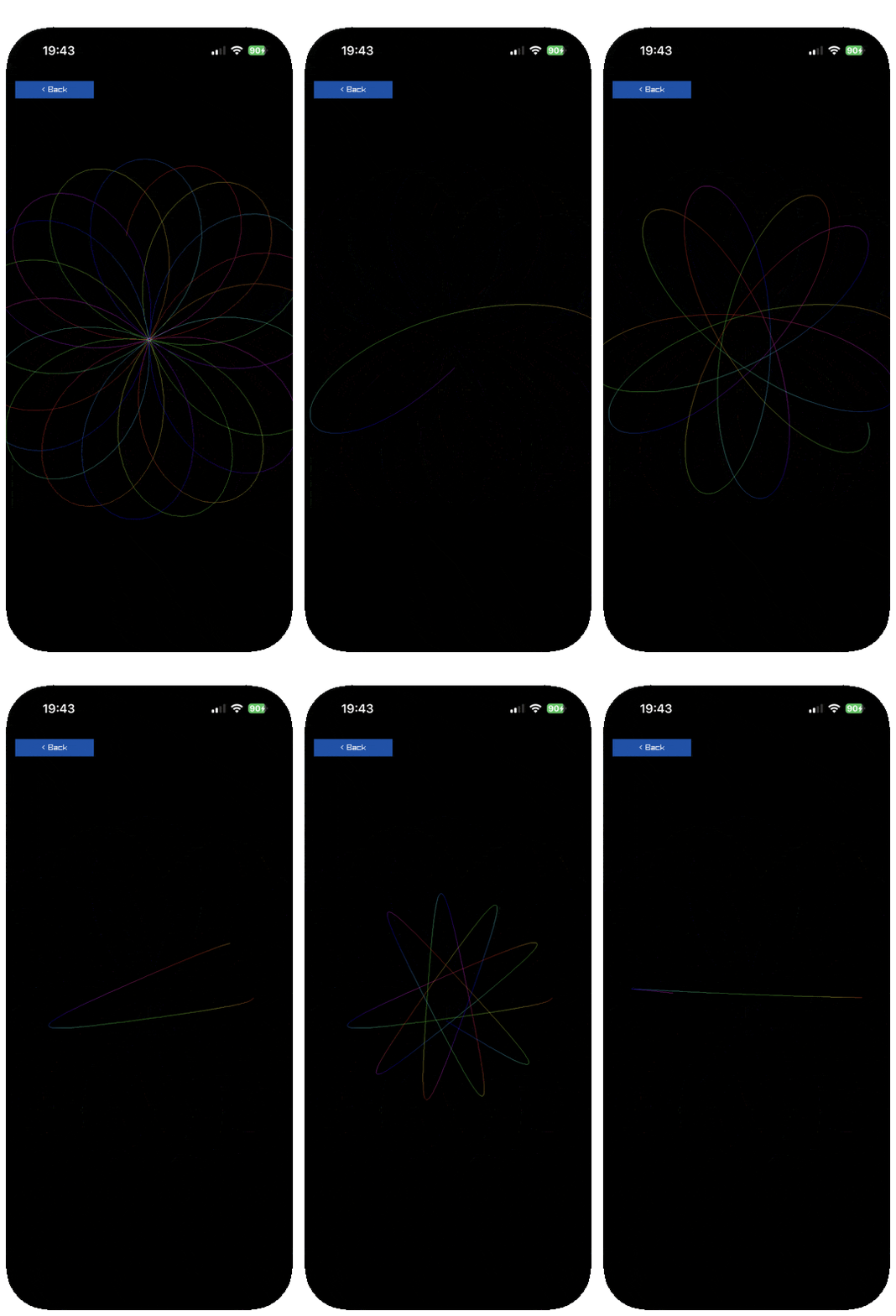
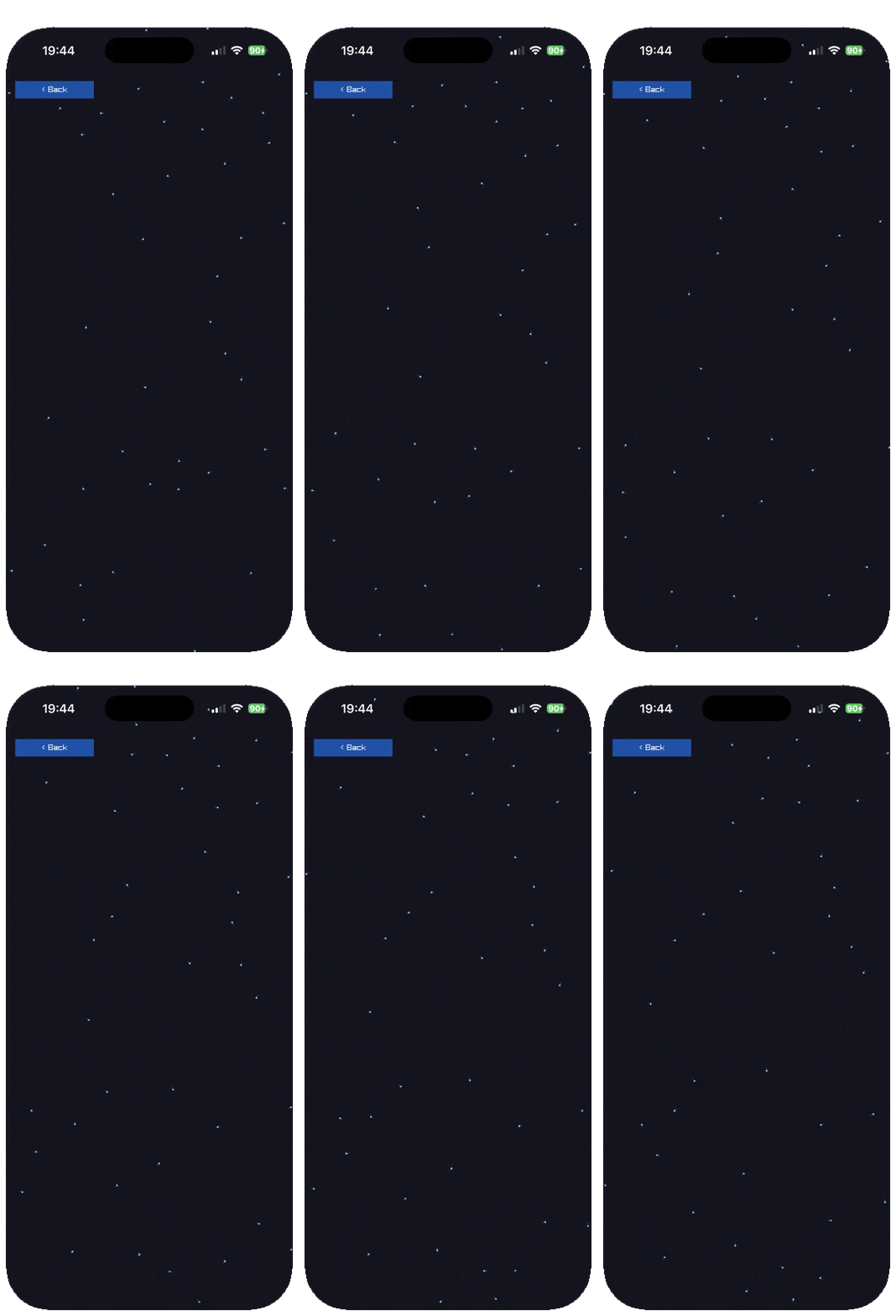
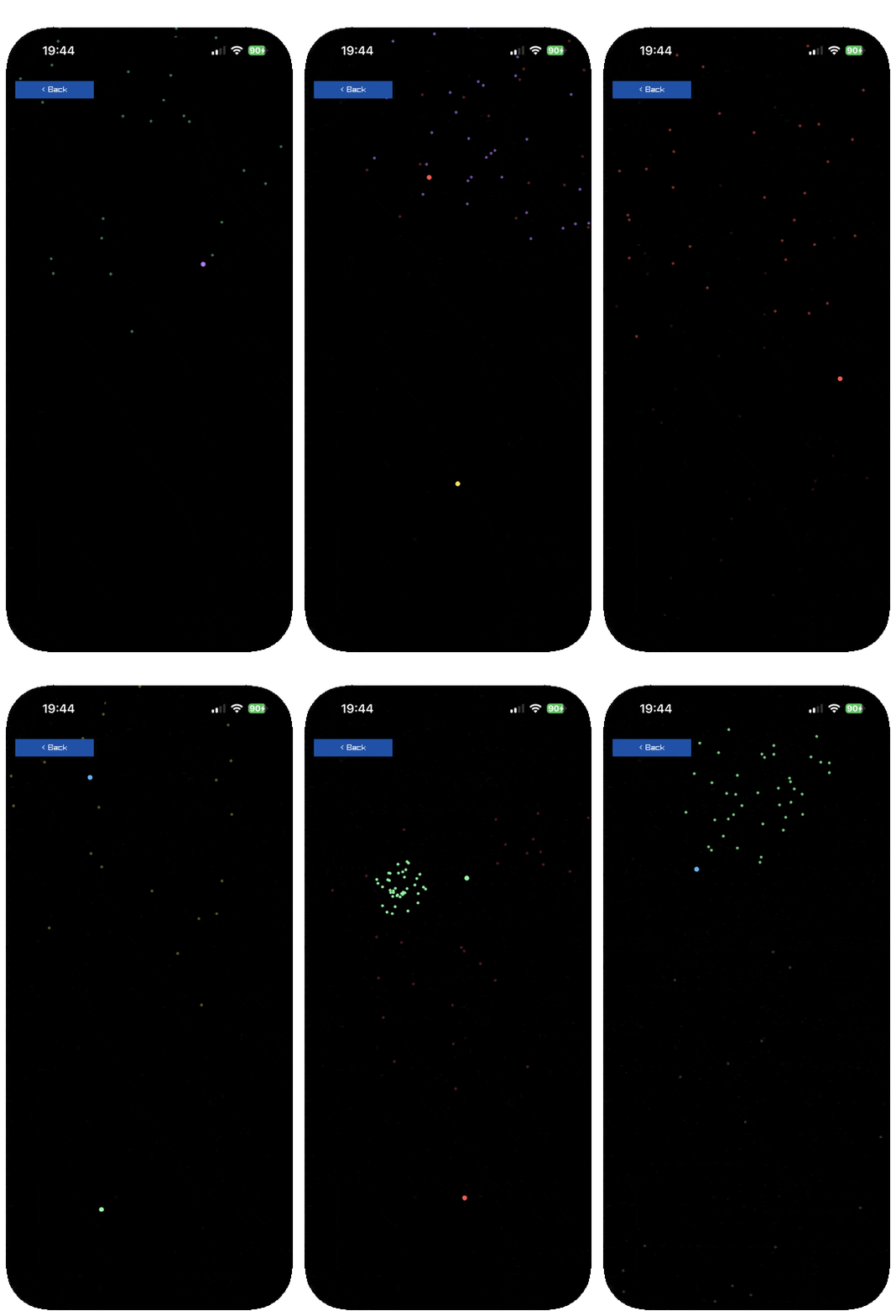
Four of the seven ports, running on the phone. None of them needed a single new raylib binding.
Then measure it, because the port is the easy half
Two of the first five did not hold 60 fps on first run, and neither for the reason anyone would guess. Read performance-on-a-phone.md before tuning anything: the short version is that an indexed loop over a vector beats every sequence function, allocation costs more than the FFI call it decorates, and the fix is usually in the drawing loop rather than the model.
Give anything that scales with frame cost a plain def rather than a literal, so it can be tuned live over the nREPL: trail-length, max-points, default-deflations, default-count all exist for that reason.
Sometimes the port is a rotation
fourier_epicycles is the one that needed a real design decision rather than a mechanical change. The original is landscape: the epicycle chain sits on the left and the wave it traces scrolls rightward across the remaining width. A phone is 1206 wide and 2622 tall, so there is no horizontal room for a scrolling wave and a great deal of vertical.
So the chain hangs near the top and the wave scrolls DOWN. It is the same picture through ninety degrees, and the maths is untouched: what changed is which axis carries time, and therefore which coordinate of the pen the trace records. Worth expecting one of these per handful of ports.
Sometimes the phone can do what the original could not
Most ports lose something to the smaller screen. multitouch is the one that gains, and it is worth knowing the shape of that case because it is easy to port the limitation along with the code.
The desktop original says plainly what it cannot do. GetTouchPosition returns a Vector2 by value, the desktop binding set had no path for that, so it reads point zero through the scalar GetTouchX and GetTouchY pair. Its own docstring calls this the honest limit: the ids of every point visible, the coordinates of only the first. Transcribing it faithfully would have reproduced a workaround for a problem this project does not have.
So read the original's docstrings for what they concede, not only for what they describe.
Reading a finger
Touch arrives as a point and a phase, and a few rules keep a scene honest on a real phone.
- Only
:pressand:downwith a non-nil point mean a finger is on the glass. - Never read the position on
:release. raylib keeps the last hardware value, and on the device it isn't the touch that just ended. The comment innet.b12n.raylib-ios.gallery/framehas the details, andtouchballstays put when the finger lifts for that reason. - A button fires on
:pressinside its rect, as the two inrlgltriangledo where the original read keys. - A drag grab is sticky: the finger that lands on a handle keeps it until the release, even when it slides off.
resizeandrlgltriangleboth work this way. - Keep buttons out of the top-left Back region,
[0 0 400 120], which the gallery owns. - A scene that keeps absolute positions has to cope with
:screenchanging on rotation.rlgltriangleclamps its corners into the new screen andbreakoutstarts a new game.
net.b12n.raylib-ios.gesture does the reading for scenes that need to know what a touch meant. track takes a gesture value and the frame's input, which carries the pointer and the metrics, and returns [g' event] once per frame. The event is a tap at the gesture's start point, a swipe by the dominant axis from the start to the last :down point (a tie goes horizontal), or a long press after 27 still frames. A long press that has fired suppresses the tap, but a drag after it still swipes. The release position is never read, for the reason above. Boards and controls start below Back, derived from gesture/back-region. snake, game2048 and minesweeper show all three events in use. A game that ends on a tick stores gesture/idle on the frame it ends, so a touch still down then can't restart it on lift, as tetris does.
What only a real device will tell you
The multi-finger path cannot be exercised from a REPL. tap! synthesises exactly one point by construction, so every synthetic test passes on a code path that has never seen two fingers. It took a person putting four on the glass.
That found a bug no amount of local testing would have. Colours were keyed off the raylib touch id, (mod id 8) into an eight-entry palette. iOS derives those ids from object pointers, so every one is 8-byte aligned. Two separate runs reported:
809313472  809313920  809314368  809317952     stride 448
809133248  809134144  809136832  809137728     stride 896
163292352  163292800  163294592                after a relaunch
Every value divisible by 8, so all four fingers landed on slot 0 and drew in the same blue. Shifting the alignment away does not help, because the strides are themselves multiples of 8.
The third run is the useful one for deciding what to rely on. It sits in a different address range because the app had restarted, so neither the magnitude nor the spacing survives a relaunch. The alignment is the only invariant, and it is the one that broke things.
The instructive part is what happened next. The obvious fix is a better hash, and a tuned one scored 100% on synthetic strides, which turned out to measure the regularity of the test inputs rather than the quality of the hash. A proper murmur3 finalizer then scored a flat 41% at every stride, and that number is the answer: 8/8 x 7/8 x 6/8 x 5/8 is 41%, the chance four items land in four different buckets out of eight. The hash was already ideal and still collided most of the time, because with four fingers and eight colours collisions are the birthday problem, not a hashing defect.
Assigning the lowest unused slot is exact for up to eight simultaneous touches. No hash needed. When a measurement comes out at exactly the theoretical value, that usually means the approach is finished rather than that the tuning is.
Textures
Ten of the ports draw a real GPU texture rather than flat shapes. They keep the scene contract: the namespace stays pure and knows nothing of FFI, and the draw-scene! method in the scene's ...scenes.<name>.draw namespace is the only place a texture is touched.
The scene describes the texture as a spec map, {:w :h :wrap :filter :pixel :version}. :pixel is (f x y) and answers a packed colour, r | g<<8 | b<<16 | a<<24, which net.b12n.raylib-ios.texel/pack builds, and net.b12n.raylib-ios.texel also carries the ImageDraw* rasterisers (lines, rects, circles) following raylib 6.0's own loops. The draw method then calls into net.b12n.raylib-ios.texture:
id!with(scene-id key spec)uploads on first use and answers the id. Pass the scene's own registry id, because a texture filed under any other id is freed and uploaded again every frame.quad!draws an id as one quad, the stand-in forDrawTexturePro, whose rectangle arguments are passed by value and so cannot cross the FFI.triangles!draws[x y u v ...]triples and winds each one, so back-face culling never drops a triangle.band!refreshes a few rows a frame for a picture that changes all the time. Raw Data and Screen Buffer do this, because a whole rewrite every frame costs more than the phone has.
GLES2 repeats only a power-of-two texture, so :repeat on any other size throws. A sheet like Srcrec Dstrec's 384 by 64 is :clamp. Raw Data draws its 256 by 256 checkerboard from a 64 by 64 :repeat tile instead of uploading it.
Test the pixel function texel by texel against the original, over the whole texture, and not by eye. A scene that fills the texture in a pixel fn should avoid allocating a vector per texel, since the phone runs it 69 thousand times for Sprite Animation's strip alone.
Make a static spec a def or a delay in the scene, so the same object comes back each visit. net.b12n.raylib-ios.texture keeps the filled buffer for a spec without a :version, and a reopen then costs about one frame instead of a refill. The catalog rows give each scene's first-open pause, which runs up to about a second for Sprite Animation, because the pixels are computed then.
Render textures
Five of the ports draw into an off-screen framebuffer: Render Texture, Framebuffer Rendering, Mouse Painting, Magnifying Glass and Top Down Lights. raylib's LoadRenderTexture returns a RenderTexture2D by value and BeginTextureMode takes one, so neither can cross the FFI. net.b12n.raylib-ios.texture rebuilds the pair from rlgl's scalar calls:
target!with(scene-id key {:w :h :depth?})makes the framebuffer on first use and answers{:fbo :texture :w :h}.:depth?defaults to true; a pass that draws only 2D should passfalse, because rlgl keeps the depth test off outsideBeginMode3Dand the buffer would cost 2 to 4 bytes a texel for nothing. Call it every frame and don't keep the map, since a new size or leaving the scene frees the framebuffer.with-target!with(rt safe f)runsfwith drawing redirected into the target.fdraws in the target's own pixels from (0, 0), and the scene's translate, the scissor, the viewport and the projection are put back after it, whether it returns or throws.- A target's colour texture is stored bottom-up, so draw it back with
quad!and:v0 1.0 :v1 0.0.
Two things about iOS went wrong on the way, and each has a symptom worth recognising.
The screen is not framebuffer 0. On iOS it is SDL's drawable framebuffer, and every rlgl framebuffer call (rlLoadFramebuffer, rlFramebufferAttach, rlFramebufferComplete, rlUnloadFramebuffer, rlDisableFramebuffer) binds 0. After a pass the rest of the frame then drew into nothing, and the screen stayed blank. target! and with-target! rebind SDL's framebuffer after each of them, so a scene never calls the rlgl functions itself.
The gallery's translate lives in transform, not modelview. A push in MODELVIEW mode redirects to rlgl's transform matrix, so loading identity after a matrix-mode call leaves the safe-area translate in place. A pass drew offset by the safe inset, and the rest of the frame was translated twice. with-target! loads identity straight after its push and restores with a push and two pops. test/net/b12n/raylib_ios/rlgl_model.clj models rlgl's matrix state for the same reason: a stub that skips it hides the whole split.
A persistent canvas is a target whose picture stays on the GPU. Mouse Painting does this: the pure scene hands over the frame's marks as data, the draw method replays only those into the canvas, and a frame where nothing is touched draws none. A turn of the phone makes a canvas of the new size, which starts empty, and the scene says so.
Custom blending is with-blend-factors! with (src dst equation f). Top Down Lights needs GL_MIN and GL_MAX to merge its masks, and the equation is not a blend mode raylib offers. The call doesn't nest.
perlin-texture! is the one native call with a struct return. Magnifying Glass's backdrop is raylib's own GenImagePerlinNoise, whose Image comes back by value; jolt passes a buffer first for that, and the pixels go straight to rlLoadTexture. The pure port net.b12n.raylib-ios.perlin takes about 17 microseconds a texel under laptop jolt, so 6 seconds for 800 by 450, and stays as the tested reference. The C took 11.7 ms on the phone.
On the phone all five read 58 fps. First opens pause 29 to 33 ms, except Top Down Lights at 75 ms and Render Texture at 103 ms (the first scene opened after launch), and 16 field-sized lights in Top Down Lights ran at 58 fps. The catalog rows give each figure.
Wiring it in
A scene is a sub-project. Make <name>/ after the raylib-jolt-demo demo you port (or the scene id, if it ports none) and put three things in it:
- the pure scene,
src/net/b12n/raylib_ios/scenes/<id>.cljc; - its
draw-scene!method,src/net/b12n/raylib_ios/scenes/<id>/draw.clj; - a test namespace,
test/net/b12n/raylib_ios/scenes/<id>_test.cljc, since the scene is pure and there is no excuse not to.
Then add one line to demos.edn (the name, the id, the category, the title, a description of 49 characters at most and where it comes from) and run bb gen. It writes the sub-project's deps.edn and bb.edn, its two app namespaces, the gallery's registry and the root tasks, so there is no list to edit by hand.
Under jolt, jolt -M:test also runs a smoke test that fails if a scene is missing from the registry, from its category or from the draw methods.